Bring your references
Use images, links, notes, and inspiration comments to explain the details you want to keep or change.
A workspace for ideas, references, and screens
mindoor brings visual references, AI-assisted design conversations, and React screens into one canvas. Collect what inspires you, explain what matters, and shape the next screen together.
mindoor is under active development. The workspace requires a mindoor account.
Keep the conversation beside the work
Arrange references, discuss details, and develop screens without losing the idea that started them.
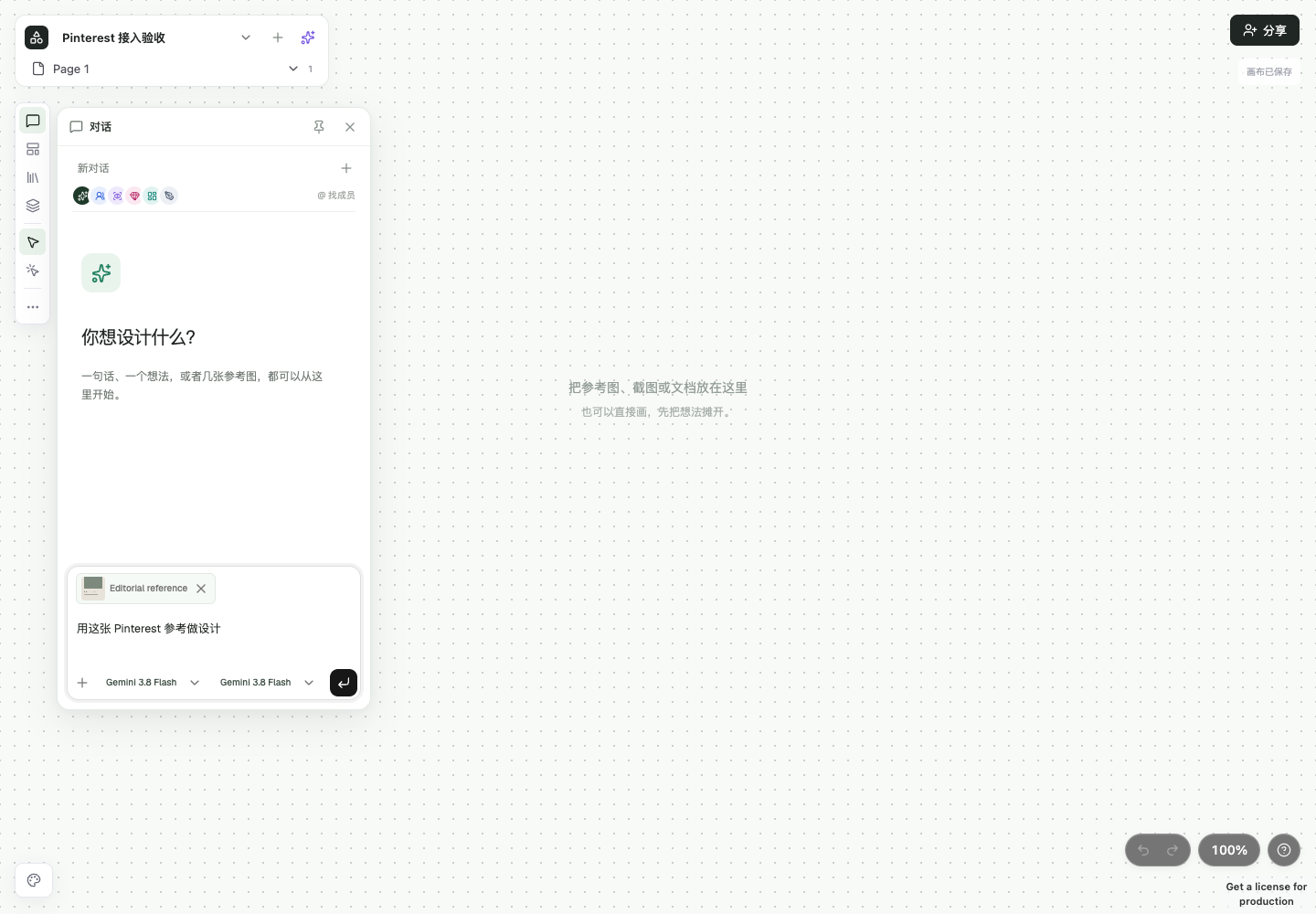
Use images, links, notes, and inspiration comments to explain the details you want to keep or change.
Discuss the project with an AI assistant. Choose the references and context for each request.
Organize independent screens on a canvas and review their executable previews and revisions.
Inspect screen source, refine rendered elements, and export the screen code for further development.
Pinterest connection
We are developing a Pinterest connection so each mindoor user can independently authorize access to their own Pins and Boards through Pinterest OAuth. The proposed connection is read-only and does not publish, edit, or delete Pinterest content.
Pinterest access has not yet been approved. This feature is not available to the public yet. Storage or third-party AI processing of Pinterest data requires the applicable Pinterest permissions; we do not describe those permissions as already granted.
01Connect your own account through Pinterest
02Browse your authorized Pins and Boards
03Choose the reference you want to discuss
Read about Pinterest data handling